
For organizers · 0:52

Invite your refs.

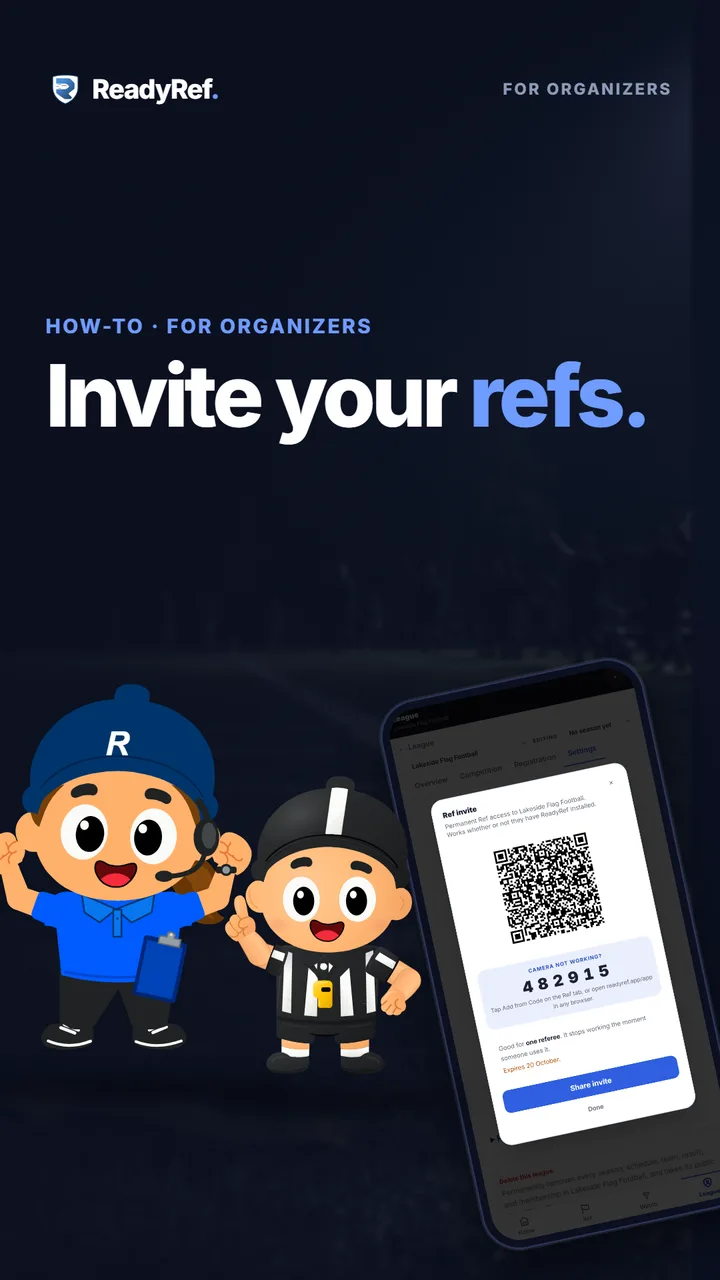
Every game needs a whistle. A Ref invite gives one referee a QR code and a six-digit code, and they join your league as a Ref in a few taps.

Video poster: Invite your refs. A cartoon league organizer and a referee beside a phone showing a ReadyRef Ref invite with a QR code.

Plays from YouTube when you press play.

Jump to

Your refs, step by step

  1. 0:04Settings: App access and invitations
  2. 0:09Create a Ref invite
  3. 0:15A QR code and a six-digit code
  4. 0:20Share the invite
  5. 0:25The ref joins as a Ref
  6. 0:30What a Ref can do
  7. 0:35Your refs, and switching Ref off
  8. 0:41One invite per ref
Read the transcript

Every game needs a whistle. Here’s how to bring your refs into ReadyRef.

Open Manage League, then Settings, then App access and invitations. Under Invite a Ref, add who it’s for, and tap Create Ref invite. You get a QR code and a six-digit code, good for one referee. Tap Share invite to text them the link, or let them scan the code at the field.

They sign in and tap Join league as Ref. They don’t need the app first. Refs can open and score any scheduled game. You never assign games to a person.

Your refs show up right here, and you can switch Ref access off any time. Need another ref? Create another invite. Each one works once.

Now every game has a ref.

Good to know

  • One invite, one referee. It stops working the moment someone uses it, so create one for each ref.
  • Invites expire. The date is shown on the invite. Unused invites are listed under Invite a Ref, where you can revoke them.
  • No app needed first. A ref can open the link in any browser, or type the six-digit code in the Ref tab with Add from Code.
  • Refs pick up games themselves. Ref is standing permission to open any scheduled game in your league; games are never assigned to a person.
  • Switching Ref off is instant. Turn off a ref’s Ref switch under App access & invitations and it applies straight away.

Send your refs this one

The ref’s side of the invite: tap the link, sign in, join the league as a Ref, and open your first scheduled game. Forty seconds.

Previous: Registration and payments · All how-to videos · Ref your first game