
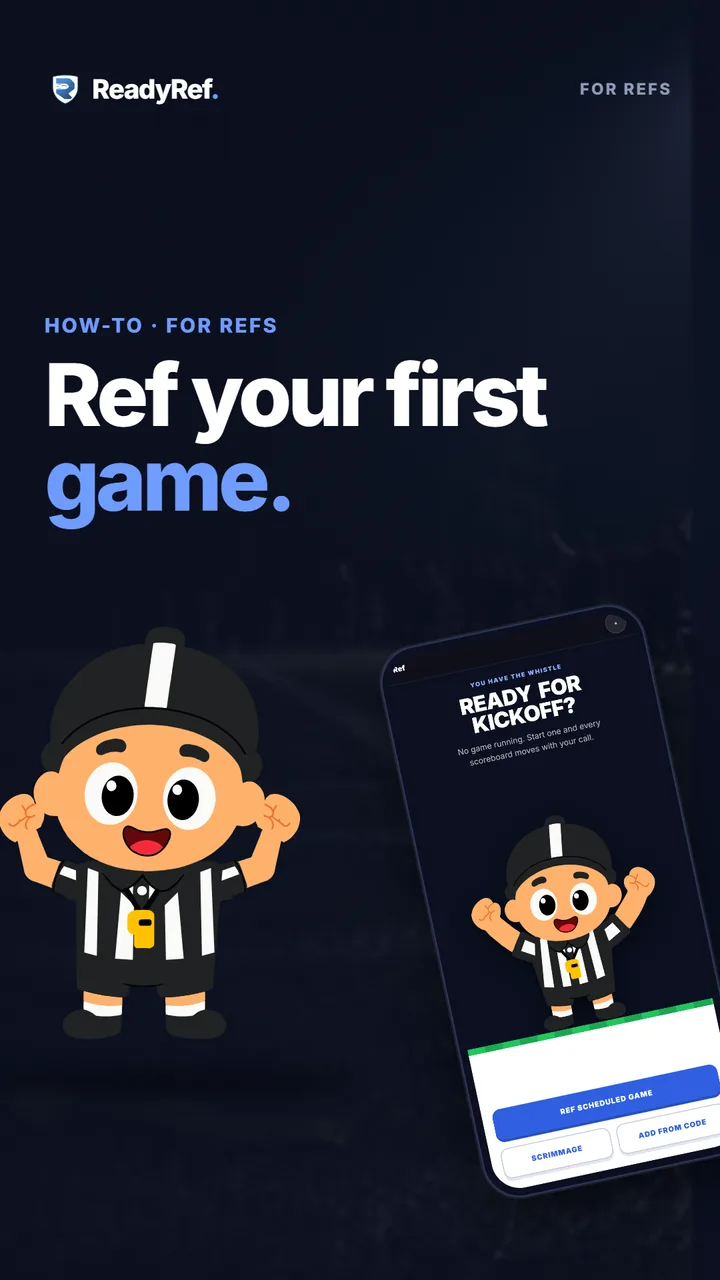
Plays from YouTube when you press play.
Your first game, step by step
- 0:03Open the Ref tab: Ref Scheduled Game
- 0:09Just practicing? Scrimmage and a Ref PIN
- 0:15Your scoreboard, piece by piece
- 0:20Start and stop the clock
- 0:25Swipe for downs and turnovers
- 0:30Touchdown: +6, then +1
- 0:36Timeouts, the flag, and Undo
- 0:41Fans follow with your game code
- 0:48Submit a league game
Read the transcript
Here’s everything you need to ref your first game.
Open the Ref tab. For a league game, tap Ref Scheduled Game and pick yours. Just practicing? Tap Scrimmage and set a four-digit Ref PIN.
This is your scoreboard: the clock, the score, the down, and who has the ball. Tap the big button to start the clock. Tap again to stop it. Swipe up for a first down, right for the next down, and left for a turnover.
Touchdown? Tap plus six. Then plus one for the extra point. Timeouts and the flag are right above. Made a mistake? Tap Undo.
Fans follow along live with your six-character game code. You can find it in Tools. League game over? Open Tools and tap Submit. The results and the recap post themselves. Try it free at readyref.app.