
For organizers · 1:04

Get paid. No chasing.

Open registration in ReadyRef and families sign up and pay on their phone, with card payments going straight to your bank. Here’s the whole setup in about a minute.

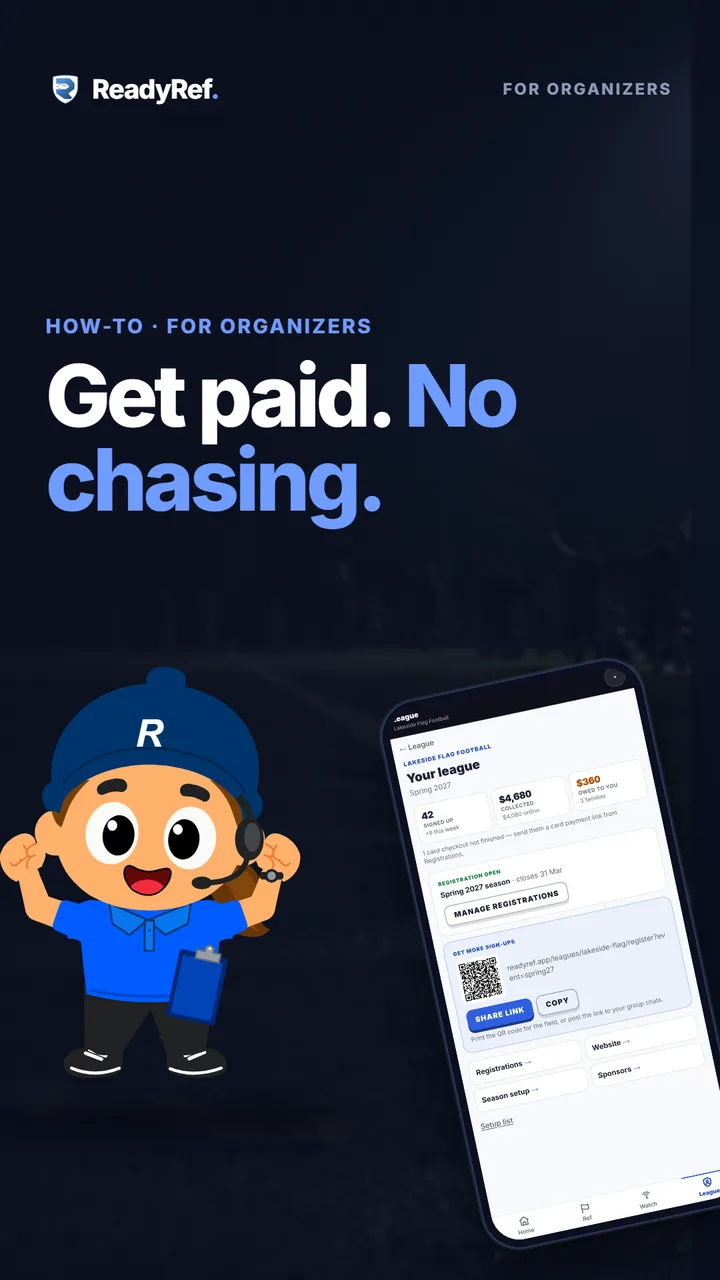
Video poster: Get paid. No chasing. A cartoon league organizer beside a phone showing the ReadyRef league dashboard.

Plays from YouTube when you press play.

Jump to

Registration, step by step

  1. 0:04Build your league: six steps
  2. 0:10Publish your league website first
  3. 0:13Connect Stripe
  4. 0:19Create a registration
  5. 0:26Dates, price and waiver
  6. 0:31Card, cash or e-transfer
  7. 0:37Open registration
  8. 0:42Families sign up and pay
  9. 0:48Share your sign-up link and QR code
  10. 0:53Track sign-ups and payments
Read the transcript

Want players signing up and paying before your season starts? Here’s how.

Tap Build your league. It’s six steps, from your league to families signing up and paying. Families sign up on your league website, so publish that first. Then connect Stripe. Card payments go straight to your bank. ReadyRef never holds your money.

Now open Registration, then the Registrations tab, and tap Create registration. Name it, set the dates and the price, and paste in your waiver. Choose how families pay: by card, straight to you with cash or e-transfer, or both. Set the status to Open, then tap Save and open registration.

Families sign up on their phone, with no account needed, and pay by card right there. Share your sign-up link to group chats and socials, or print the QR code for the field. Your dashboard shows who signed up, what you’ve collected, and who still owes you.

Your league is open for business.

Good to know

  • Your league website comes first. Families sign up on it. It’s free with every league, and it fills itself in from your schedule, teams and standings.
  • ReadyRef never holds your money. Card payments go to your own Stripe account, and Stripe pays them out to your bank.
  • You choose who covers card fees. Tick “I’ll absorb the fees” and families pay exactly your price; leave it unticked and families cover them. There’s no ReadyRef fee on cash or e-transfer. Current rates are on the pricing page.
  • Card payments work on every plan, including the free plan.
  • No account needed for families. They fill in the form on your league website and pay by card on the spot, or choose to pay you directly if you allow it.

Next: invite your refs

Once families are signing up, bring your referees in. A Ref invite gives each one a QR code and a six-digit code that make them a Ref in your league.

Previous: Set up your league website · All how-to videos · Pricing