
For organizers · 0:57

Build your season and schedule.

Tell ReadyRef your teams, your format, your fields and your dates, and it builds the whole schedule. You check every game day before anything is created.

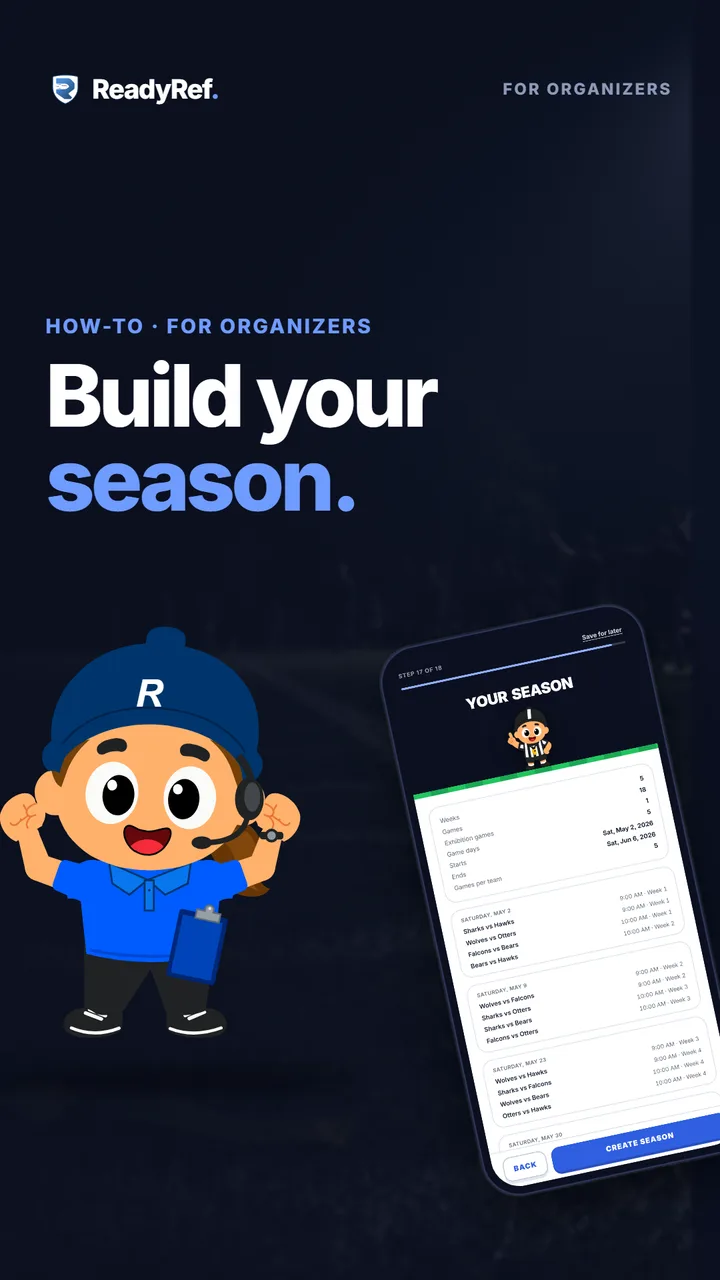
Video poster: Build your season. A cartoon league organizer beside a phone showing a ReadyRef season schedule.

Plays from YouTube when you press play.

Jump to

Your season, step by step

  1. 0:04Name your season and pick your teams
  2. 0:07Regular season, playoffs, or both
  3. 0:13A few quick questions
  4. 0:19You’re almost there
  5. 0:24How much field time you need
  6. 0:29Your fields and when you have them
  7. 0:33Season dates and dates to skip
  8. 0:38Check the schedule: Create Season
  9. 0:44Your season is scheduled
Read the transcript

Your league’s ready. Now let’s build your season and get a full schedule.

Name your season, then pick which teams are playing. Choose what you’re running: regular season and playoffs, regular season only, or playoffs only. Then a few quick questions, like how often teams play each other and how many make the playoffs.

Then you’re almost there. Just the fields and the schedule left. ReadyRef works out how much field time your season needs, so you know what to book. Tell it where you’re playing, what the fields are called, and when you have them.

Pick the first day of the season, and add any dates to skip, like holidays. Check your schedule, every game day and every matchup, then tap Create Season.

That’s it, your season is scheduled. Share your league code so everyone can follow along.

Next up, set up your free site so users can find your league.

Good to know

  • Nothing is created until you tap Create Season. The last page shows every game day and matchup first, built from your answers.
  • Skipped dates get no games. Add holidays, tournaments or any date your league is dark, and the schedule works around them.
  • The field-time page is a guide, not a booking. It shows a few example ways your season could fit. You set your real fields and times on the pages after it.
  • Need a break? Tap Save for later and your answers are kept on this device, so you can pick up where you left off.
  • Running age groups? On a paid plan you can run several seasons at once, which is how most leagues handle U8, U10 and U12 side by side.

Next: your free league website

Every ReadyRef league gets a free website that fills itself in from your schedule, teams and standings. It’s where families find your league and sign up.

Previous: Create your league · All how-to videos · Free schedule maker