
Plays from YouTube when you press play.
Jump to
Your league, page by page
- 0:04Open the League tab: Create a league
- 0:07Name your league
- 0:11Your league code
- 0:17How long is a game?
- 0:23Breaks and timeouts
- 0:28Girl Play and Rush counters
- 0:35Add your teams
- 0:39Check your summary: Set up my first season
Read the transcript
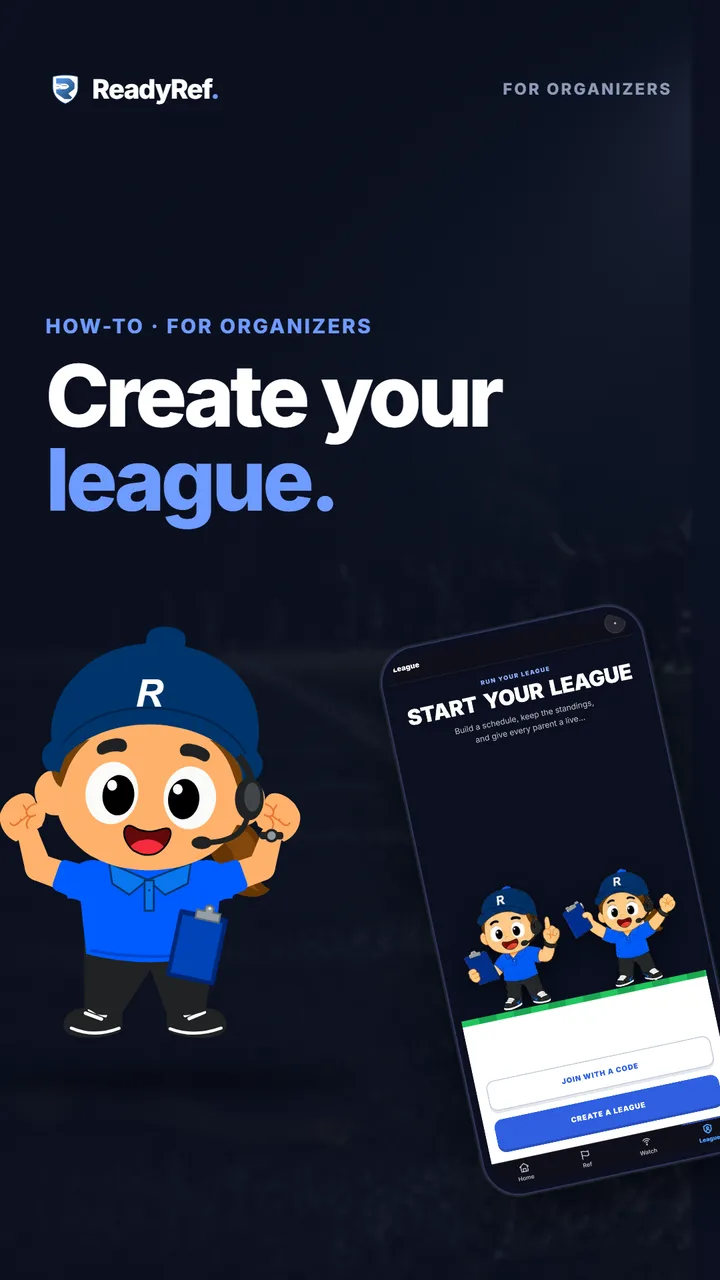
Running a flag football league? Here’s how to set it up in ReadyRef.
Open the League tab and tap Create a league. Type your league’s name, then tap Create my league. That’s your league code. Coaches, refs and fans all join with this one code.
Next, how long is a game: how many segments, and how long each one runs. Then breaks and timeouts. The total game time updates as you go. Co-ed league? Turn on the optional Girl Play Counter. Limiting rushes? There’s a Rush Counter too.
Add your teams. Just the names for now. Colours and rosters come later. Check your summary, then tap Set up my first season.
Next up: building your season and your schedule.