
Plays from YouTube when you press play.
Your website, step by step
- 0:06Build your league: Create your website
- 0:10Claim your address
- 0:16Logo, city and age groups
- 0:22Build your page
- 0:28Move, hide or add sections
- 0:34Preview, then Publish website
- 0:39Live: copy and share the link
- 0:45After games: Publish changes
Read the transcript
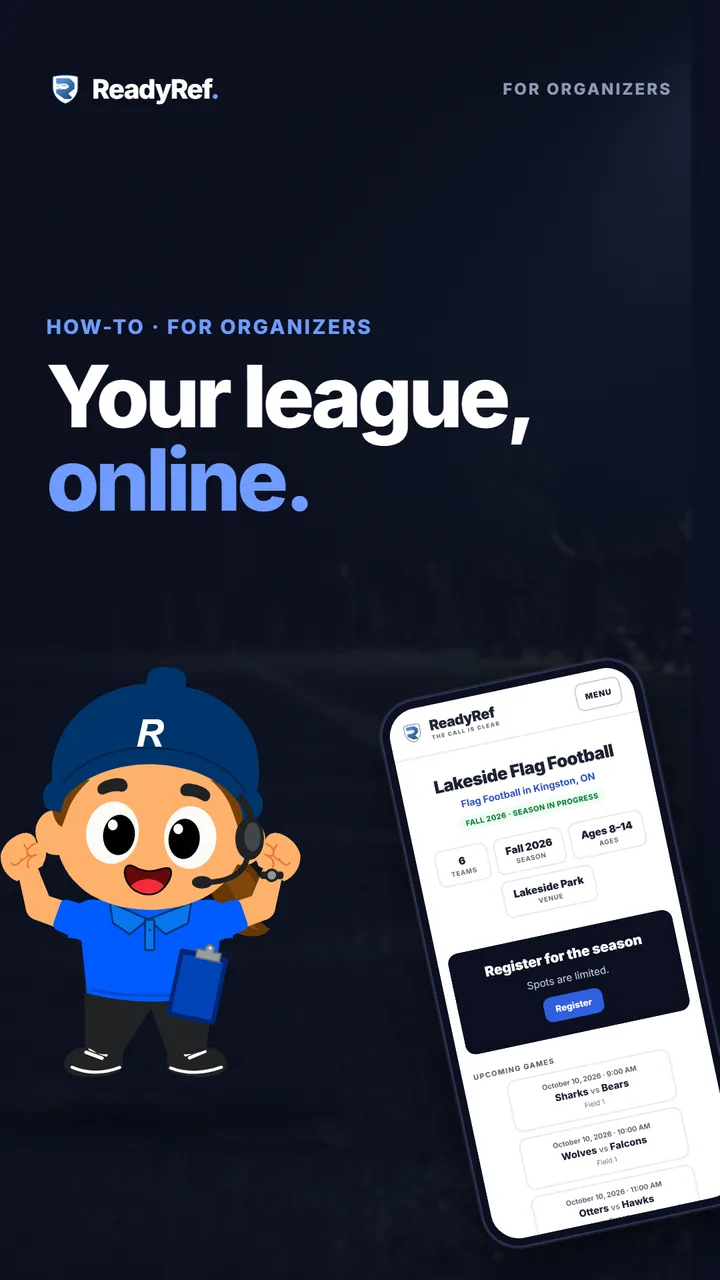
Give your league a home page families can find. It’s free, and it takes only a few minutes.
On the League tab, tap Build your league, then Create your website. Pick your web address and tap Claim address. That’s the link you’ll share with families. Add your logo, your city and your age groups. They’re optional, but they help families find you.
Then build your page. Your schedule, standings and results come straight from your league. Move sections up or down, hide what you don’t need, or add your own, like news or an FAQ.
Tap Preview to check it on a phone, then tap Publish website. Your league is live at its own address. Copy the link and share it anywhere. Played some games? Tap Publish changes to bring your latest schedule and results to the site.
Next up: open registration so families can sign up and pay.